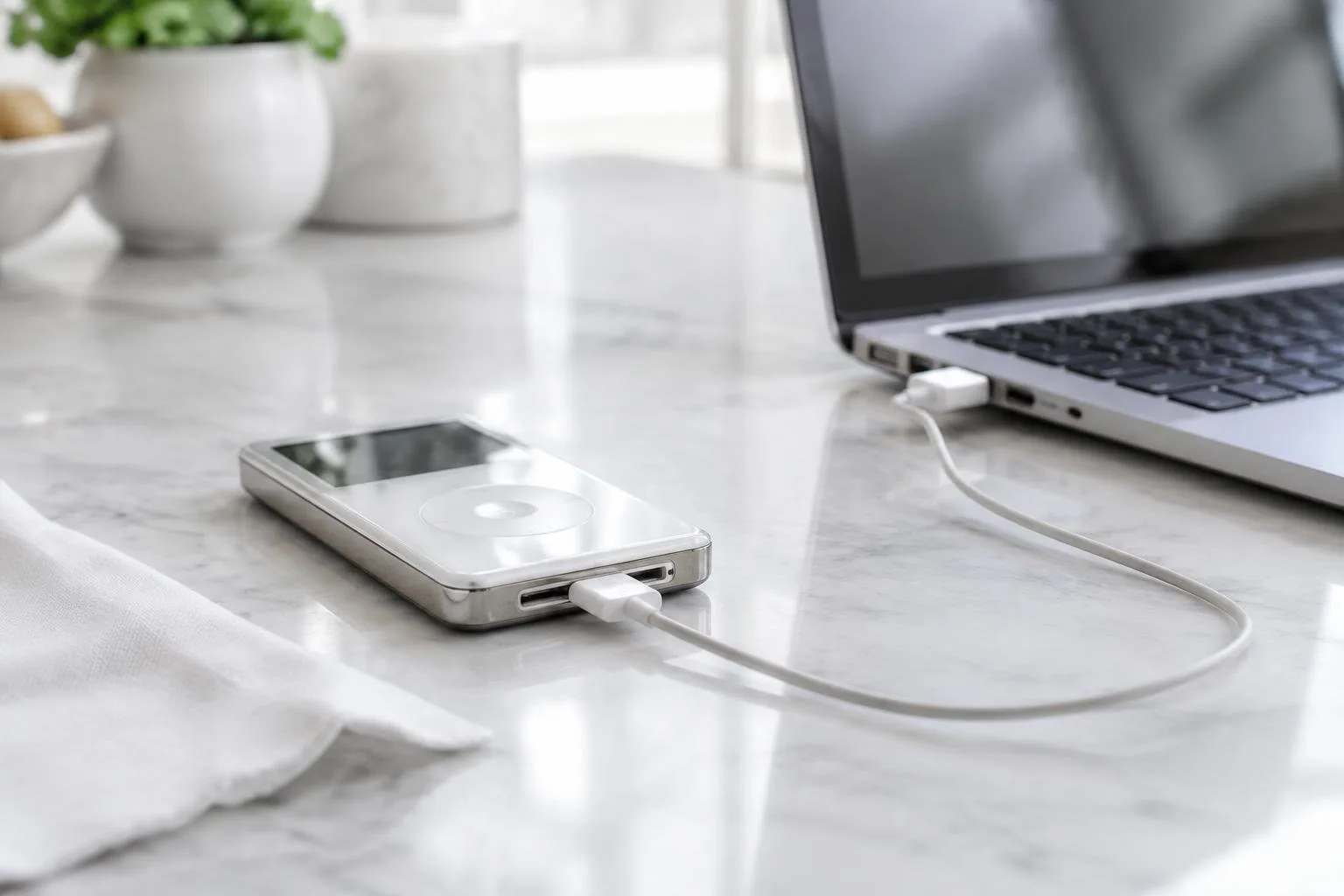
Even though Apple stopped selling iPods years ago, many drawers still hide these compact players. While streaming dominates today, an unused iPod can be salvaged as a modest USB flash drive. The trick relies on a built-in feature called Disk Use, which, once activated, makes the device appear like any other external storage medium on both macOS and Windows.
Activating Disk Use on macOS and Windows
MacOS procedure
Connect the iPod to a Mac via its 30-pin cable and open the Finder sidebar. Locate the iPod entry, select it, and switch to the General tab. Click the Enable Disk Use checkbox, then press Apply before closing the window. After this, the iPod will mount on the desktop and behave like a regular drive, ready to receive files through simple drag-and-drop.
Windows procedure
On a Windows PC, the steps are analogous. Plug the iPod in and launch either iTunes or the Apple Devices app. Within the device summary, find the Disk Use option and enable it. Once confirmed, the iPod shows up in File Explorer, where you can treat it as a typical removable storage device.
Formatting for universal compatibility
The default macOS format for an iPod is HFS+, a file system Windows cannot read without third-party tools. To make the drive usable on both platforms, reformat the iPod to FAT32. This can be done by restoring the iPod using a Windows computer, which automatically selects the FAT32 schema. FAT32 is recognized by macOS, most smart TVs, and many media players, though it imposes a 4 GB file-size ceiling. Remember that restoring erases all existing content, so back up any cherished music before proceeding.
Using iOpenPod to manage media without iTunes
If you prefer a lightweight alternative to iTunes, the open-source application iOpenPod offers full-featured management for classic iPods. After installing the program on Windows, you can import music, edit metadata, organise playlists, and even handle podcasts or photos, depending on the iPod model. The software works directly with the iPod mounted as a readable/writable drive, eliminating the need for proprietary drivers.
iOpenPod also supports on-the-fly conversion of formats such as FLAC to iPod-compatible AAC, using FFmpeg in the background. Users can preview sync changes, create backup snapshots, and restore previous states if something goes wrong. While iOpenPod does not support iPod touch or iPhone devices, it covers the classic, mini, nano and shuffle families, making it a handy companion for anyone repurposing an old iPod as a storage device.
In practice, the workflow looks like this: enable Disk Use, format the iPod to FAT32, launch iOpenPod, and curate the content you want to keep. Once satisfied, simply copy the files to the iPod’s root folder—or let iOpenPod handle the sync. The result is a discreet, portable storage unit that slips into a pocket or bag, ready to move documents, photos, or small videos between computers without the expense of a new flash drive.
Even though a modern 32 GB USB stick can be bought for roughly $10 and offers faster USB 3 speeds, repurposing an iPod still provides a nostalgic twist and a zero-cost solution for those who already own the hardware. The only limitation is the legacy USB 2.0 interface, which caps transfer rates at about 35 MB/s, but for occasional file swaps this is more than adequate.