
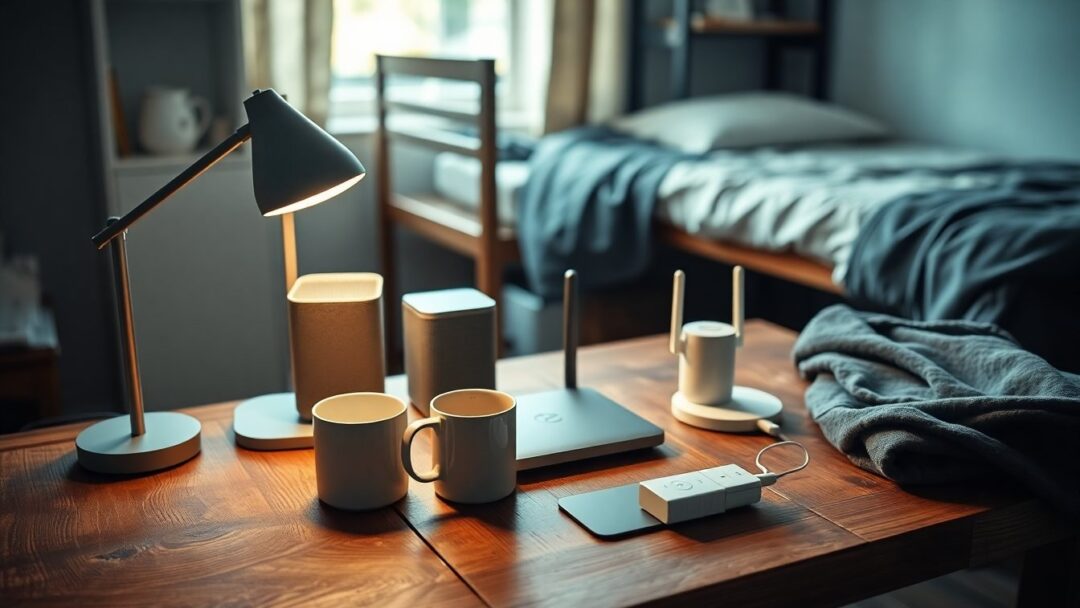
The transition to campus life often means adapting to cramped spaces, shared utilities, and tight schedules. Introducing a few thoughtful smart home gadgets can change how you study, sleep, and socialize without requiring permanent installation or a large budget. These compact tools are designed to fit into the unique constraints of a dorm room: limited outlets, landlord rules, and transient residency. Using portable smart devices you can craft a setup that prioritizes convenience, aesthetics, and security while staying respectful of communal living policies.
Beyond novelty, the real value of these products is practical: automated lighting for focused work, voice-controlled music during breaks, and energy-saving routines that keep utility use low. When evaluating options, think about compatibility with your existing phone and network, physical footprint, and whether a device is truly plug-and-play. If a term feels unfamiliar, consider the voice assistant as an example: an intelligent interface that responds to spoken commands to control other gadgets, acting like a personal remote you don’t have to hold.
Choosing the right devices
Start by listing your priorities: are you aiming to improve study focus, enhance comfort, or increase safety? For most students, the best choices balance price, portability, and features. Prioritize multi-function gadgets—for example, a bedside lamp with adjustable color temperature plus a USB charger replaces multiple items. Check that devices support the same ecosystem—apps and voice platforms that work together—so your setup behaves predictably. Also consider power needs; in dorms where outlets are scarce, look for battery options or low-power devices to avoid overloading shared circuits.
Essential gadget types
Some categories deliver the most impact for the smallest investment. Smart bulbs let you change brightness and color to match study or relaxation modes, while smart plugs add remote control to nearly any lamp or fan. A compact smart speaker provides audio, alarms, and voice control without taking much desk space. For security and peace of mind, lightweight smart cameras or door sensors offer monitoring that’s easy to install and remove. If network performance is a concern, explore devices that support a mesh network, which distributes Wi-Fi across the room more reliably than a single router.
Portable power considerations
Because dorm life is temporary, portability matters. Choose items that are simple to unplug and pack, and prefer USB-powered devices that can run from a laptop or a single wall adapter. A small UPS or power strip with surge protection can safeguard devices and make cable management neater. Keep in mind common dorm restrictions: many buildings prohibit hardwired modifications, so select solutions that attach with removable adhesive or sit freely on a surface.
Installation and setup tips
Installation in a dorm should be fast and reversible. Before you buy, confirm building policies and discuss with roommates so that everyone is comfortable with cameras or microphones in shared spaces. Use manufacturer apps to register devices and assign them to specific rooms or profiles; naming things clearly in-app helps when issuing voice commands or creating automation. Secure your setup by updating device firmware, using strong Wi-Fi passwords, and creating a separate guest network for visitors to avoid exposing your primary network to unknown devices.
Making the most of your setup
Once devices are in place, create simple automations that match daily rhythms: a study scene that brightens lights and mutes notifications for set hours, a bedtime routine that dims lights and lowers volume, or a wake-up sequence that gently raises illumination and plays a playlist. Use geo-fencing or schedules for energy savings so devices power down when you’re away. For personalization, add smart wallpapers, textured lampshades, or color presets to keep the room feeling like yours while staying within dorm guidelines.
Smart home gadgets can make dorm living more comfortable and efficient without permanent changes or heavy expense. By choosing compact smart devices, prioritizing compatibility, and applying simple security practices, you can build a tailored setup that supports study, rest, and downtime. Start small with a couple of high-impact items, refine automations as you learn what works, and pack efficiently when your semester ends—your setup should be as flexible as campus life itself.


