
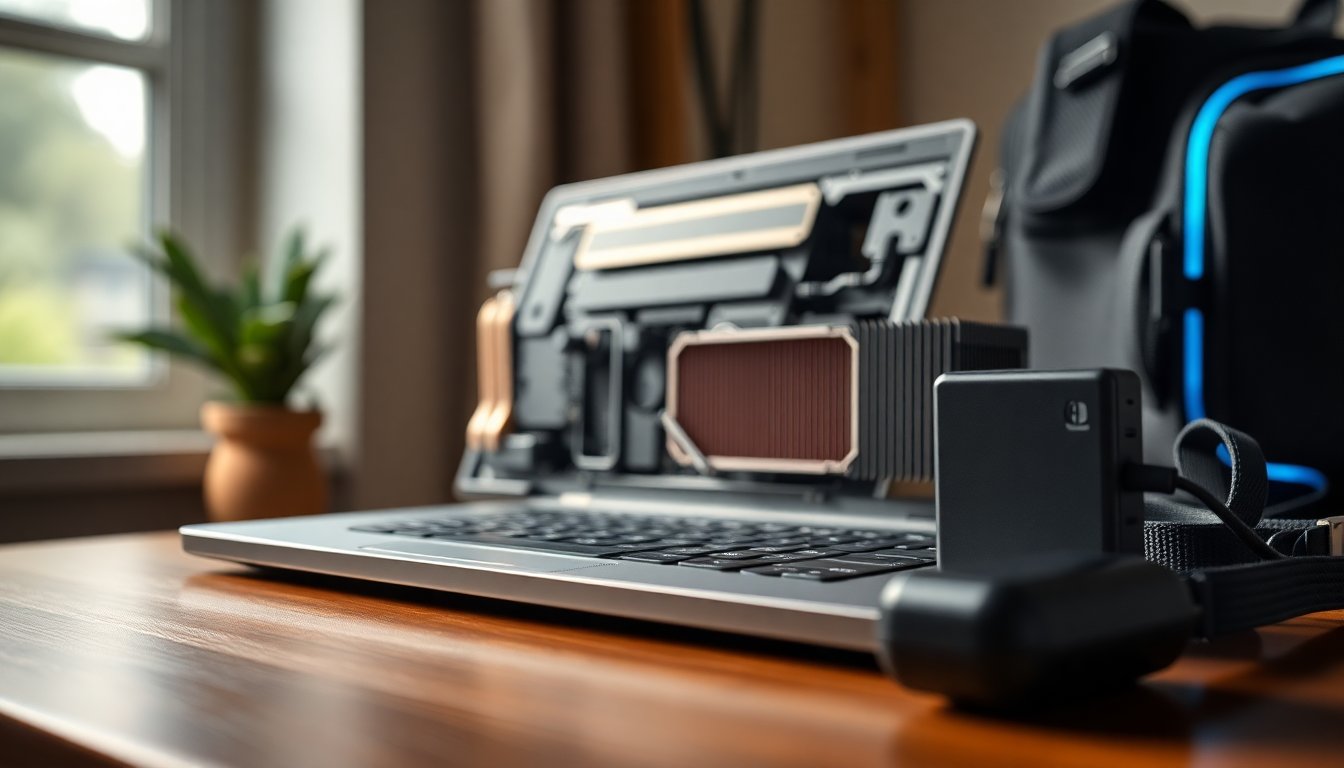
The landscape of portable PC gaming has shifted dramatically. Where once a gaming notebook meant heavy chassis, loud fans, and performance that paled against desktops, modern options have closed the gap. Today you can get a machine that is both slim and surprisingly powerful, with choices ranging from ultraportable 14-inch designs to massive 18-inch desktop-replacement rigs. When evaluating any model, keep an eye on GPU capability, display quality, and thermal design, and understand that discrete GPU means an independent graphics processor that greatly improves gaming performance over integrated solutions.
My testing over many years shows a distinct trend toward cleaner aesthetics and smarter engineering. Manufacturers like Razer, Asus, and Lenovo now produce machines that look at home in a coffee shop and perform like gaming desktops when plugged in. You’ll still pay a premium for top-tier parts such as the RTX 5090, but there are also excellent midrange and budget options. Pay attention to trade-offs: battery life, weight, and cooling will always be part of the equation when you push a laptop’s hardware during extended play sessions.
Design and premium contenders
High-end gaming laptops have moved toward a restrained, premium look. Models like the Razer Blade 16 and the smaller Razer Blade 14 emphasize machined aluminum bodies, narrow bezels, and subtle branding rather than gaudy RGB. Asus’s ROG Zephyrus G14 and G16 now offer comparable build quality and high-resolution OLED displays, making them viable alternatives to Razer’s lineup. For those who prioritize screen quality, the Lenovo Legion 7i Gen 10 brings a bright OLED panel capable of high peak brightness and outstanding HDR contrast, which enhances visual fidelity without a performance penalty.
Value and affordable picks
Price matters more than ever, and several laptops deliver strong bang for the buck. The Lenovo LOQ 15 focuses on removing nonessential frills to offer real gaming performance at around the entry-to-mid tier, often outperforming pricier competitors in cost-to-performance. If you need to spend even less, the Acer Nitro V 16 with an RTX 5050 presents an honest budget pick—expect compromises in panel quality and power delivery, but solid frame rates for the price. Avoid older low-end cards such as the RTX 3050 unless you’re okay replacing the machine sooner; newer generations like RTX 40– and RTX 50-series bring markedly better longevity.
Experimental formats and versatile machines
Beyond conventional clamshells, manufacturers are experimenting with form factors that change how you game on the go. Handhelds like the Steam Deck or similar devices are great for couch or commute play, but they’re limited for productivity tasks. Asus’s ROG Flow Z13 blurs the line between tablet and gaming PC: it’s a detachable Windows tablet with gaming-oriented internals that keeps hot surfaces away from your hands. There are also dual-screen and creative-oriented laptops—devices aimed at creators with discrete GPUs that can double as capable gaming machines if you want a two-in-one solution.
How to choose: specs, size, and display
Choosing the right laptop requires prioritizing a few core specs. Aim for at least 16 GB RAM—ideally 32 GB if you multitask or play the latest AAA titles—and prefer DDR5 where available. For storage, a minimum of 1 TB SSD is practical given modern game sizes, with room to upgrade in many models. On CPUs, newer generations deliver better efficiency and single-threaded performance; on graphics, the decision between integrated and a discrete GPU will define your expectations. Screen size is mostly about trade-offs: 16-inch machines often hit the sweet spot for power and portability, 14-inch models favor mobility, and 18-inch behemoths prioritize a desktop-like experience at the cost of weight.
Is OLED worth it?
Yes—OLED panels have become an important differentiator in modern gaming laptops. The deep blacks, vivid colors, and high contrast of OLED significantly improve perceived image quality and HDR effects compared with typical IPS screens. Competitive players also benefit from reduced input lag on many OLED panels. As a bonus, premium OLED-equipped laptops are now common across sizes, so you don’t always have to sacrifice refresh rate for picture quality. If you value immersion and visual fidelity, prioritize a bright OLED display paired with a GPU that can drive your desired resolution and refresh rate.


