
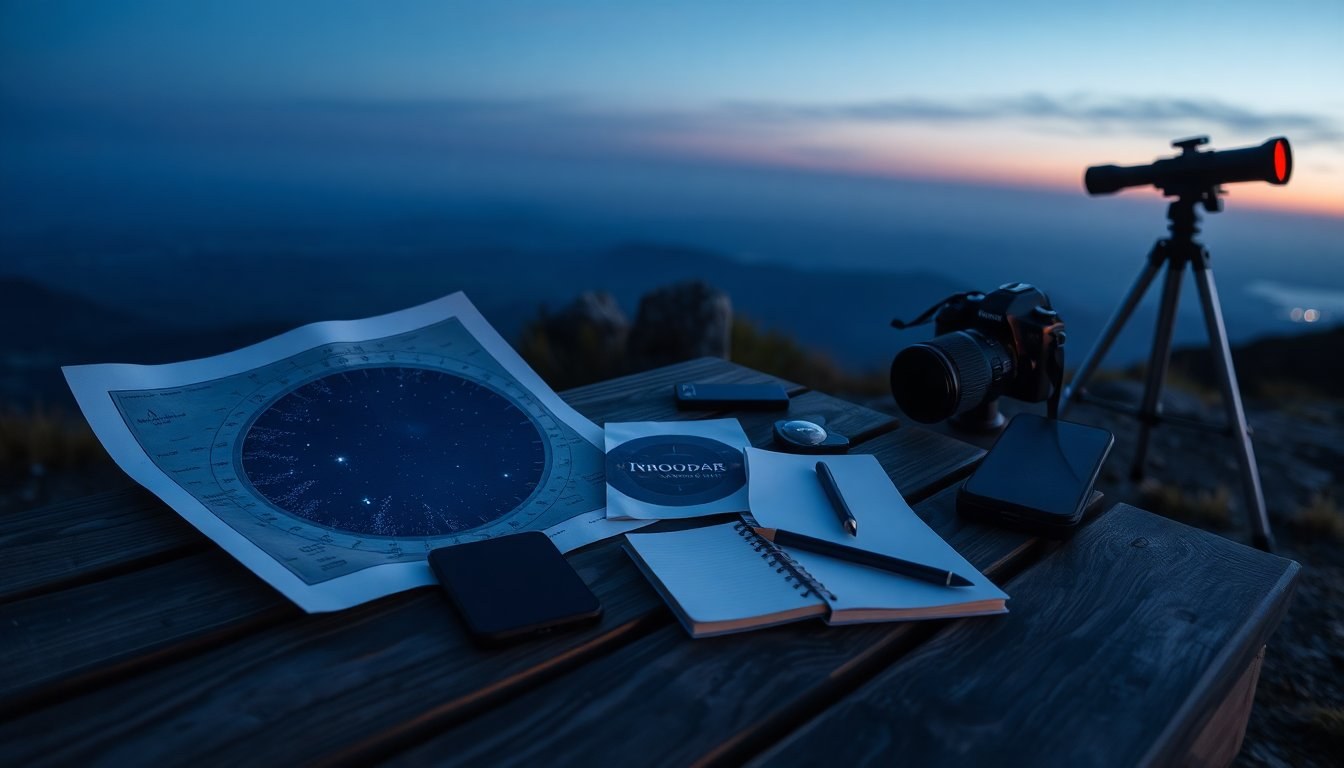
Finding your way around the night sky can feel intimidating, but a small selection of well-designed stargazing apps puts powerful tools in your pocket. Traditional printed tools like a planisphere or paper star chart remain useful because they need no power and show predictable yearly patterns, yet mobile software adds a new level of convenience by delivering real-time ephemerides, notifications and interactive maps tied to your GPS position. Use both approaches together: carry a paper chart for reliability and a phone app for dynamic events. Remember to use a dark-adapted vision friendly setting, such as a red-screen mode, to protect night vision while consulting a device.
Why use stargazing apps?
Mobile astronomy software addresses limits of static charts by offering up-to-the-minute positions for moving objects and personalising output for your location. Apps can compute the rise, set and transit times for planets and the Moon and pinpoint the path of bright satellites like the ISS. They also simulate views through specific optics and help plan sessions by visualising sky conditions. For new observers, an app’s augmented overlays reduce the guesswork of star-hopping. For experienced hobbyists, features such as notification scheduling and integrated telescope control streamline long observing nights. These digital features complement, rather than replace, the tactile learning that comes from reading printed charts.
Real-time events and augmented overlays
One of the biggest advantages of modern astronomy apps is live event tracking. Whether you want to know when a meteor shower radiant rises, where Venus will appear before sunrise, or the exact path of a satellite pass, apps compute those moments for your coordinates and often present them with augmented reality overlays. That means when you point your phone at the sky the app can label stars, planets and even satellites directly on the camera view. This instant visual feedback turns abstract coordinates into clear directions and helps you capture fleeting phenomena at the right time and place.
Telescope integration and planning
For observers who use optics, many apps go beyond simple maps and provide direct control of mounts and computerized scopes. Several programs support common protocols and Wi‑Fi modules to send slewing commands to popular brands, enabling you to tap an object on the screen and have the mount centre it in the eyepiece. Planning tools often include a session logbook, notifications and simulated telescope views so you can preview how a target will look through a given aperture and eyepiece. These capabilities turn a phone into both a planner and a practical hand controller at the eyepiece.
Standout apps and what they offer
There is a variety of specialist apps that each emphasise different strengths. For immersive planetarium experiences, Stellarium PLUS expands its star database to very faint magnitudes and adds telescope simulation and control, while Sky Guide and Star Walk offer polished visuals and handy features like a time travel slider to explore future skies. If you prefer minimal interaction, GoSkyWatch Planetarium focuses on a touchless, centre-target interface. Audio-centric augmented offerings such as Universe2go pair spoken narration with a viewer to create an accessible guided experience.
Satellite trackers, forecasts and astrophotography helpers
When tracking human-made objects, Heavens-Above is a specialist tool known for accurate satellite tracking predictions. Observing-condition apps like Scope Nights combine weather forecasts with ratings and a searchable list of dark sites. For telescope owners, Celestron SkyPortal and SkySafari provide mount control and deep catalogues, though SkySafari’s more powerful tiers are paid upgrades. On the imaging side, tools like PhotoPills and NightCap Pro help plan and capture Milky Way and lunar alignments, while Adobe Photoshop Express offers on‑the‑go editing and noise reduction for finished shots.
Putting it all together
Start with a reliable free or low‑cost app to learn basic patterns, then add specialised tools as your needs grow. Keep a paper planisphere for battery‑free reference and use apps for dynamic events, telescope control and astrophotography planning. Always enable a red-light mode or use a red filter on your screen to preserve night vision. Finally, take advantage of community features in apps or online forums to compare observations and improve your technique—sharing images and logs accelerates learning and makes each clear night more rewarding.


